Skip to content
homeHQT

Schedule Maker

Create Your Perfect Homeschool Schedule in Minutes

Drag and drop subjects into a weekly timetable, color-code each block, and print a schedule the whole family can follow. No more rewriting the week by hand.

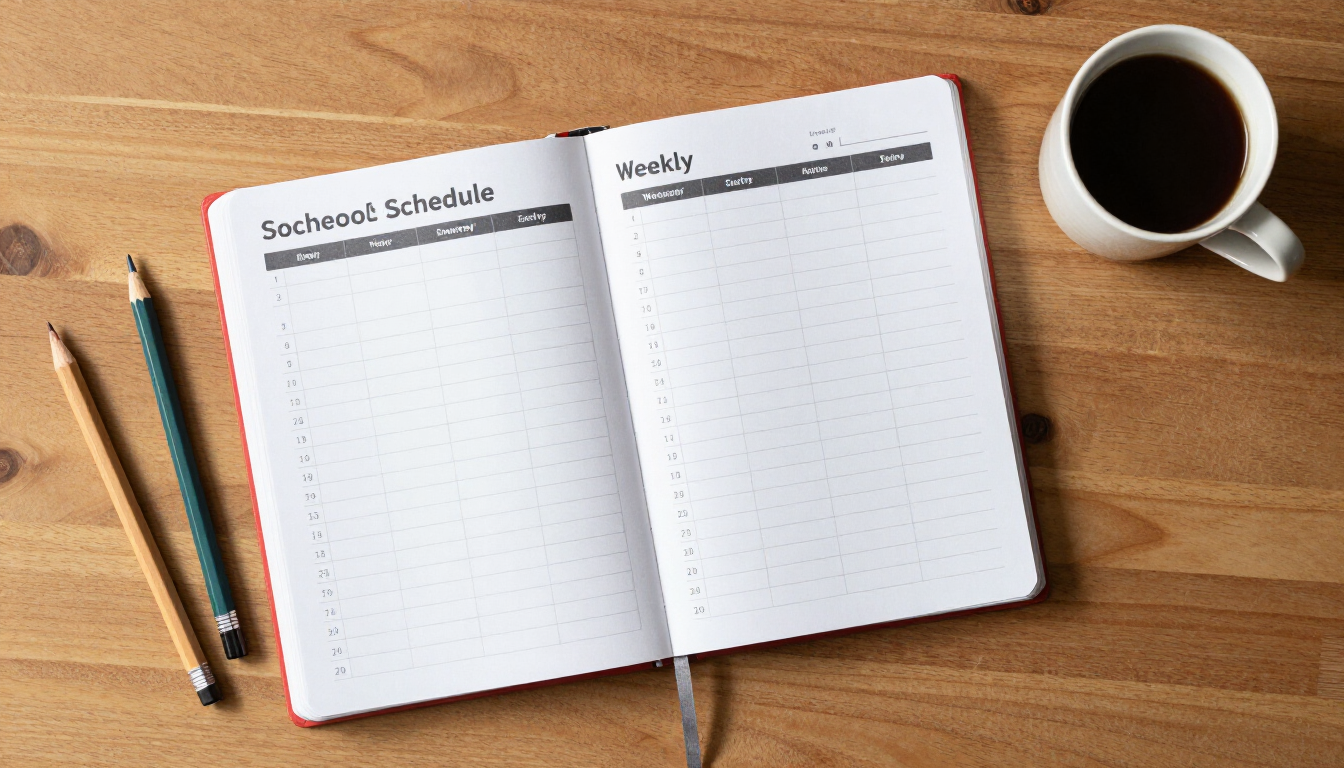
Weekly homeschool schedule planner with colored pencils on a wooden desk

Schedule Maker

Build, drag, and print your ideal weekly timetable.

Add Activity

Related Tools

Features

Everything the tool does, built to save you time.

Drag-and-drop grid

Pick up any activity and drop it into the day and hour you want. The timetable reflows instantly with no retyping.

Color-coded subjects

Tag each activity with a color so kids can find math, reading and electives on the wall calendar at a glance.

5-day, 13-hour grid

A Monday–Friday layout from 7am to 7pm covers everything from morning math to evening electives.

One-page printable timetable

Print a clean weekly schedule for the fridge, your planner, or your homeschool portfolio.

Quick edit & reuse

Click any block to edit its name or color, or clear the whole week and start fresh when the season changes.

How it works

How it works

01

Add an activity

Type a name (e.g. “Math Lesson”), pick a day, a time slot, and a color, then click Add to Schedule.

02

Drag it into place

Grab any block and drop it into the correct day and hour. Move it again any time the routine shifts.

03

Print the week

Click Print Schedule to produce a one-page weekly timetable for the fridge or your portfolio.

Who it helps

Built for everyone at the table

For parents

  • Build the whole week in minutes instead of rewriting by hand
  • Adjust the routine in seconds when co-op days or appointments shift
  • Print a clean schedule the kids can follow independently

For students

  • Color-coded blocks make the day predictable and visual
  • Know what comes next without asking every ten minutes
  • Build time-management habits early

For co-ops & groups

  • Share a printed weekly timetable with families in your co-op
  • Plan shared class times without back-and-forth messages

Use cases

Real homeschool scenarios

Morning basket routine

Block 8–10am for read-alouds, poetry and memory work so the whole family starts the day together.

Subject rotation

Color-code math, language arts, science and electives so each child can see their own flow at a glance.

Co-op day

Reserve Wednesday morning for co-op classes and drag the missed subjects into Thursday slots.

Printable fridge copy

Print the finished week and pin it where everyone can see what comes next — no more “what do I do now?”

FAQ

Frequently asked questions

How do I make a homeschool schedule?

+

Open the Schedule Maker, add each subject as an activity with a day, time slot and color, then drag the blocks into your weekly grid. Click Print Schedule to produce a one-page timetable for the fridge or your portfolio.

Can I move activities after I add them?

+

Yes. Drag any block to a new day or hour and the timetable updates instantly. You can also click a block to edit its name or color, or clear the whole week and start over.

Does it save my schedule between visits?

+

Yes. Your timetable is stored in your own browser, so it is still there when you return. No account or sign-up is required, and nothing is uploaded to a server.

Can I color-code subjects?

+

Yes. Each activity can be tagged with one of six colors so kids can distinguish math, reading, science and electives on the printed schedule at a glance.

What days and hours does the grid cover?

+

The grid runs Monday through Friday from 7am to 7pm, covering everything from early morning routines to evening electives.

Is the Schedule Maker free?

+

Yes. It is completely free with no sign-up and no paywall, and nothing you enter is uploaded. Your schedule stays on your device.

Build a week that actually fits your family

Drag, drop, color-code and print. Your schedule saves automatically and is ready whenever the routine changes.