Skip to content
homeHQT

Attendance Tracker

Track Homeschool Attendance & Meet State Requirements

Click each school day to mark Present, Absent, Holiday or Half Day. The tracker tallies your totals and attendance rate automatically — and prints a compliance-ready report.

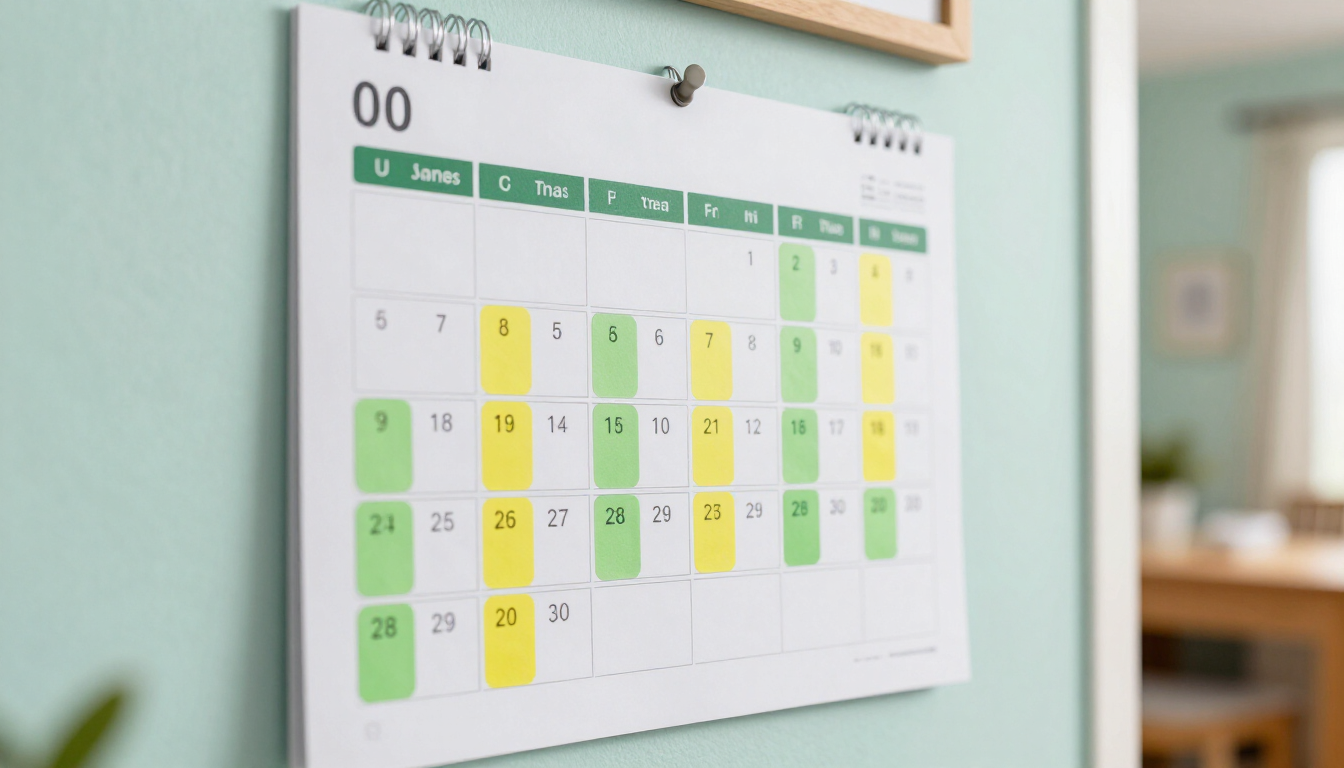
Wall calendar with green and yellow attendance stickers on a mint wall

Attendance Tracker

Click any day to toggle status. Automatically calculates total school days and attendance rate based on your records.

Related Tools

Features

Everything the tool does, built to save you time.

Monthly calendar grid

A full month at a glance with weekday headers, leading and trailing days, and color-coded statuses you can read from across the room.

Click-to-toggle statuses

One click cycles Present → Absent → Holiday → Half Day → Unmarked. No dropdowns, no forms, no friction.

Automatic totals & rate

School days, presents, absents and your attendance percentage recalculate live as you mark each day.

Printable compliance report

Print a clean monthly report with your totals for your portfolio, evaluator, or state review.

Private & offline

Attendance data lives in your browser only. No server, no account, no sync — and it works without an internet connection.

How it works

How it works

01

Pick the month

Use the month and year selectors to land on any month, past or future, across a ten-year range.

02

Click each school day

Tap a day to cycle its status. Color and icon update instantly, and your totals recalculate.

03

Print the report

Hit Print Report to produce a clean monthly attendance sheet with your totals for your portfolio.

Who it helps

Built for everyone at the table

For parents

  • Know your school-day total at any moment, not just at year-end
  • Hand evaluators a printed monthly log they recognize immediately
  • Stop reconstructing attendance from memory each spring

For students

  • See the school year take shape visually on the calendar
  • Build a sense of routine and consistency
  • Understand how holidays and half days affect totals

For evaluators & districts

  • Receive a standard monthly attendance sheet with clear totals
  • No software to install — open the printed page and review

Use cases

Real homeschool scenarios

State compliance

Log each instructional day as Present and print the month when your state reviewer asks for proof of the required 180 days.

Sick-day tracking

Mark a sick day Absent without losing your running total, then resume without rebuilding the month.

Holiday planning

Pre-mark Thanksgiving week as Holiday so your attendance rate reflects only true school days.

Half-day Fridays

Many families run lighter Fridays. Mark them Half Day and the percentage accounts for the partial day correctly.

FAQ

Frequently asked questions

How do I track homeschool attendance for state compliance?

+

Open the Attendance Tracker, select the month, and click each instructional day to mark it Present. The tool tallies your school days and attendance percentage automatically; click Print Report to produce a monthly sheet for your portfolio or state reviewer.

How many school days does my state require?

+

Most states require between 172 and 180 instructional days, though some specify hours instead. Check your state’s homeschool statute or our homeschool laws guide, then use the tracker’s running total to confirm you are on pace.

Can I mark holidays and half days?

+

Yes. Each click cycles a day through Present, Absent, Holiday, Half Day and Unmarked. Half days count as 0.5 toward your attendance rate so your percentage stays accurate.

Does the tracker save my data between visits?

+

Yes. Every entry is stored in your own browser, so your attendance history is still there when you return. Nothing is uploaded to a server and no account is required.

Can I print an attendance report for my evaluator?

+

Yes. Click Print Report to produce a clean monthly attendance sheet with your totals for school days, presents, absents and your attendance rate.

Is the Attendance Tracker free?

+

Yes. It is completely free with no sign-up and no paywall, and nothing you enter is uploaded. Your records stay on your device.

Stay compliant without the paperwork dread

Click your school days, watch the totals update, and print a clean report whenever your evaluator asks.