Skip to content
homeHQT

Curriculum Planner

Plan Your Homeschool Curriculum Year in One Place

Map every subject, resource and start date onto a visual timeline, track completion as you go, and print the whole year for your portfolio in one click.

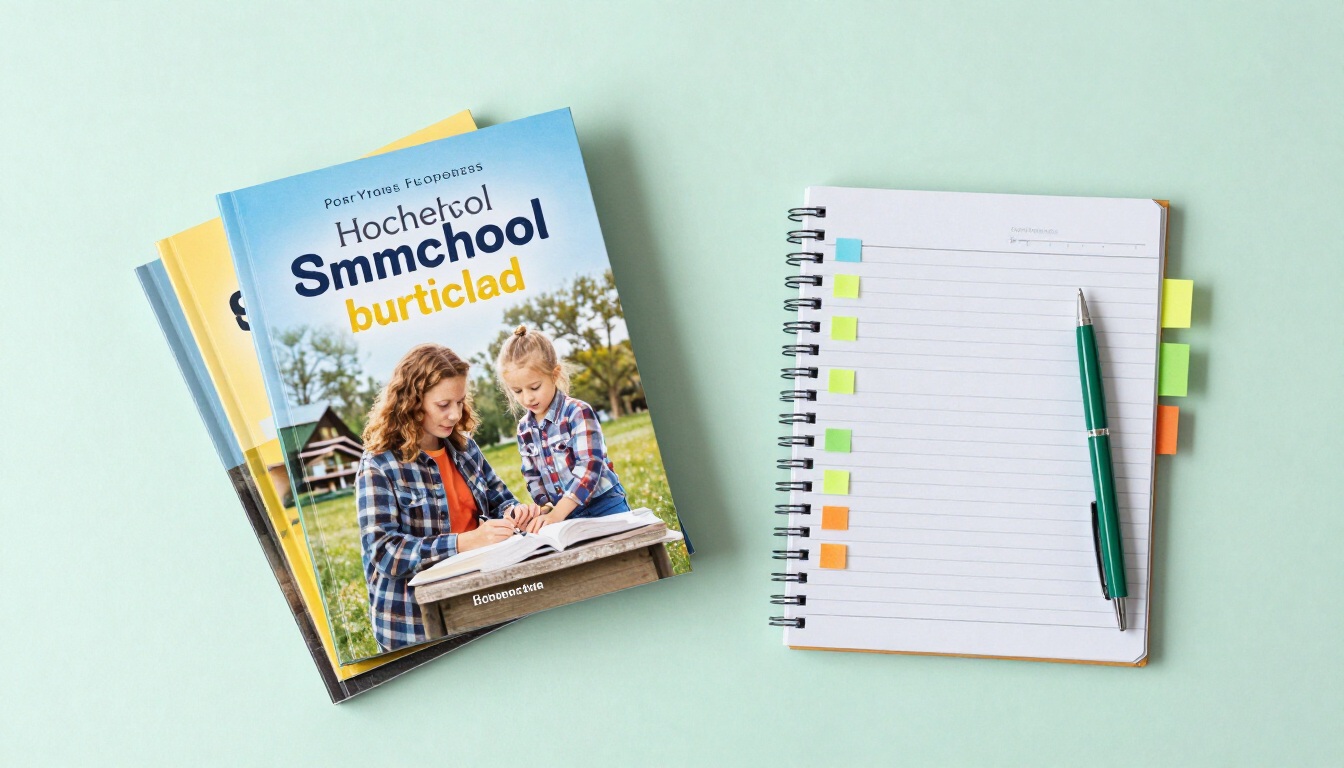
Stack of homeschool curriculum books with a planning notebook on a mint desk

Curriculum Planner

Map out your school year and track resource completion.

Add Curriculum

Related Tools

Features

Everything the tool does, built to save you time.

Visual year timeline

Every subject appears on a chronological timeline ordered by start date, so the whole year is visible at a glance.

Resource & grade tracking

Attach the curriculum name, grade level, duration in weeks and notes to each subject so nothing gets lost.

Progress sliders

Drag each subject’s progress from 0 to 100% to reflect reality, and watch the marker turn green when a course is complete.

One-click completion

Mark a subject finished with a single click — the progress jumps to 100% and the timeline marker updates.

Printable overview

Print the full academic timeline for your portfolio, evaluator meeting, or year-end review.

How it works

How it works

01

Add a subject

Enter the subject name, grade level, curriculum resource, start date, duration in weeks and any notes.

02

Watch the timeline build

Subjects appear on a chronological timeline ordered by start date, so the year takes shape visually.

03

Track & print

Slide progress as you go, mark units complete, and print the overview for your portfolio at year-end.

Who it helps

Built for everyone at the table

For parents

  • See the whole year in one view instead of scattered sticky notes
  • Know instantly whether a subject is ahead, behind, or on pace
  • Hand evaluators a printed timeline that shows real progress

For students

  • Watch the year take shape and see subjects complete
  • Build a sense of momentum and accomplishment
  • Understand how each subject fits the bigger plan

For evaluators & co-ops

  • Review a clean, chronological plan with resources and progress
  • No software to install — just open and review the printed timeline

Use cases

Real homeschool scenarios

Full-year map

Lay out math, language arts, science, history and electives with start dates so nothing overlaps or slips.

Mid-year check-in

In January, slide each subject’s progress to reality and instantly see what needs to accelerate.

Resource tracking

Note “Math-U-See Algebra” and “Story of the World Vol. 3” on each subject so you remember what you used.

Portfolio printout

At year-end, print the completed timeline with progress bars for your evaluator and state records.

FAQ

Frequently asked questions

How do I plan my homeschool curriculum for the year?

+

Open the Curriculum Planner, add each subject with its curriculum resource, grade level, start date and duration in weeks. Subjects appear on a chronological timeline, and you can track progress and print the full overview for your portfolio.

Can I track how far along each subject is?

+

Yes. Each subject has a progress slider from 0 to 100%, plus a one-click Finish button that marks the course complete. The timeline marker turns green when a subject reaches 100%.

Does it organize subjects by start date?

+

Yes. Subjects are sorted chronologically by start date on the timeline, so you can see the whole year unfold in order.

Can I print my curriculum plan for a portfolio?

+

Yes. Click Print Overview to produce a clean timeline showing each subject, resource, dates and progress — ready for your evaluator or state review.

Does the planner save my data?

+

Yes. Your curriculum plan is stored in your own browser, so it is still there when you return. No account or sign-up is required.

Is the Curriculum Planner free?

+

Yes. It is completely free with no sign-up and no paywall, and nothing you enter is uploaded. Your plan stays on your device.

Map your whole year in one sitting

Add your subjects, watch the timeline build, and track progress to the very last week. Print it whenever your evaluator asks.